
TrustSign
Business documents shouldn't wait for paper, printing, or manual approvals.
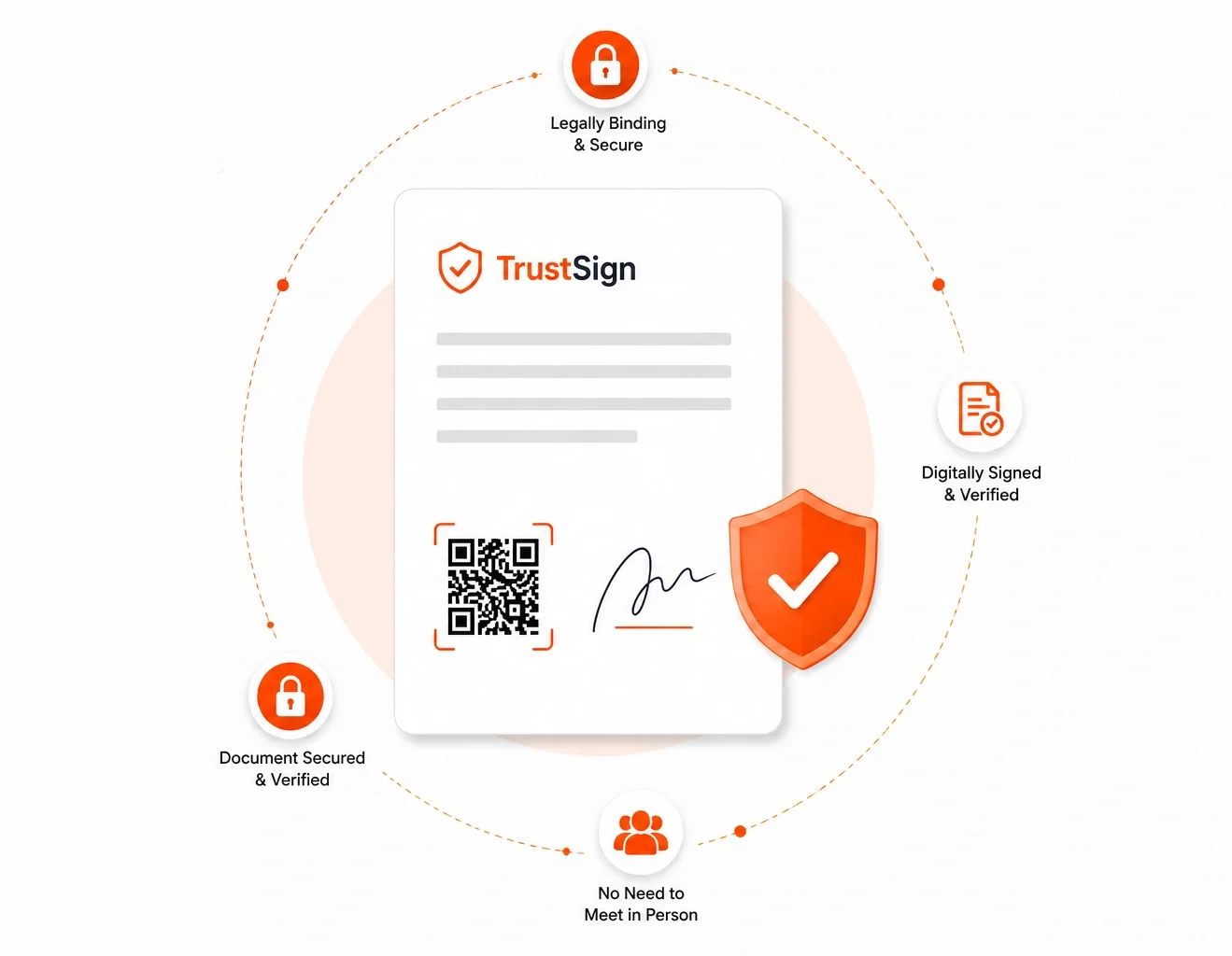
TrustSign enables organizations to sign documents electronically, verify their authenticity instantly with a secure QR code, and protect both digital and printed documents from tampering. Faster approvals, stronger security, and trusted document verification—all in one solution.
From Digital to Paper, Keep Your Signature Secured!
Digital signatures with document verification built in
TrustSign brings electronic signing and QR-based document verification into one workflow. Teams can collect signatures, route documents between signers and give recipients a way to check authenticity on digital or printed copies.
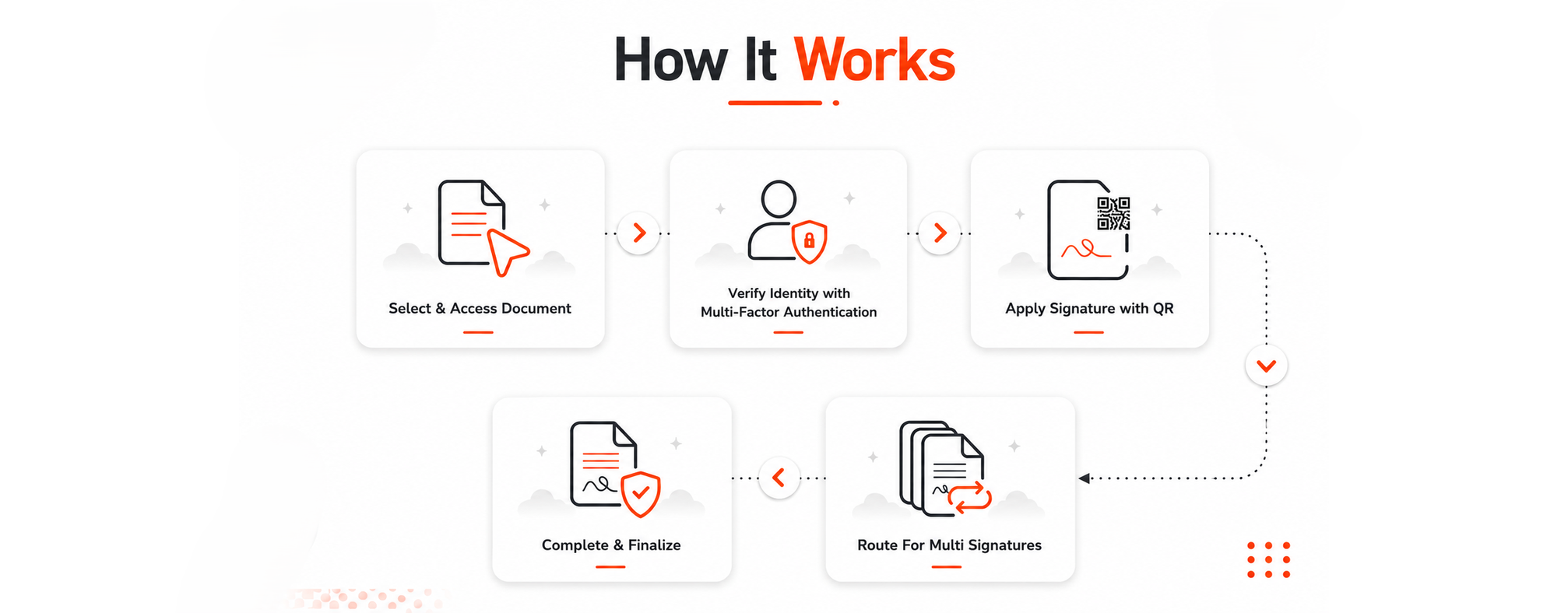
How TrustSign works
Select the document. Open the document that needs a signature.
Verify the signer. Complete the identity check using multi-factor authentication.
Apply the signature and QR code. Sign the document and add its verification reference.
Route it to other signers. Follow the configured workflow when more than one signature is needed.
Finalize the document. Complete the signing process and retain the signed record.
Questions about TrustSign
Can several people sign the same document?
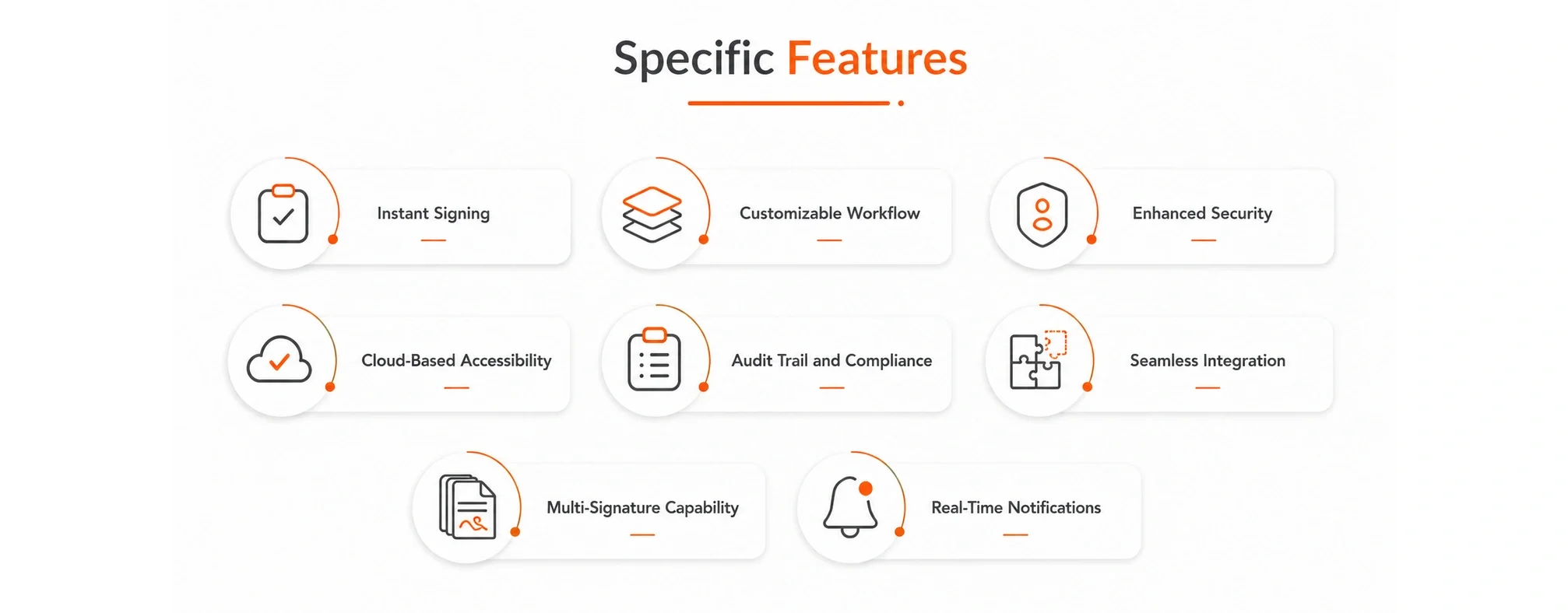
Yes. TrustSign supports multiple signatures and customizable workflows, so a document can move through the signers involved in your process.
What is the QR code used for?
The QR code supports document authenticity checks. It gives recipients a verification route when they receive a digital document or a printed copy.
Can our team follow the progress of a signing request?
TrustSign includes real-time notifications and an audit trail. These features help teams follow the signing workflow and review its recorded activity.
How is TrustSign different from SmartSignPad?
TrustSign focuses on electronic signing, multi-signer workflows and document verification. SmartSignPad supports tablet-based signing during in-person customer interactions.
What if we need document authentication without a signing workflow?
Explore QR Document Authenticator for QR-based authentication and verification. For searchable document storage, see SmartArchive.