
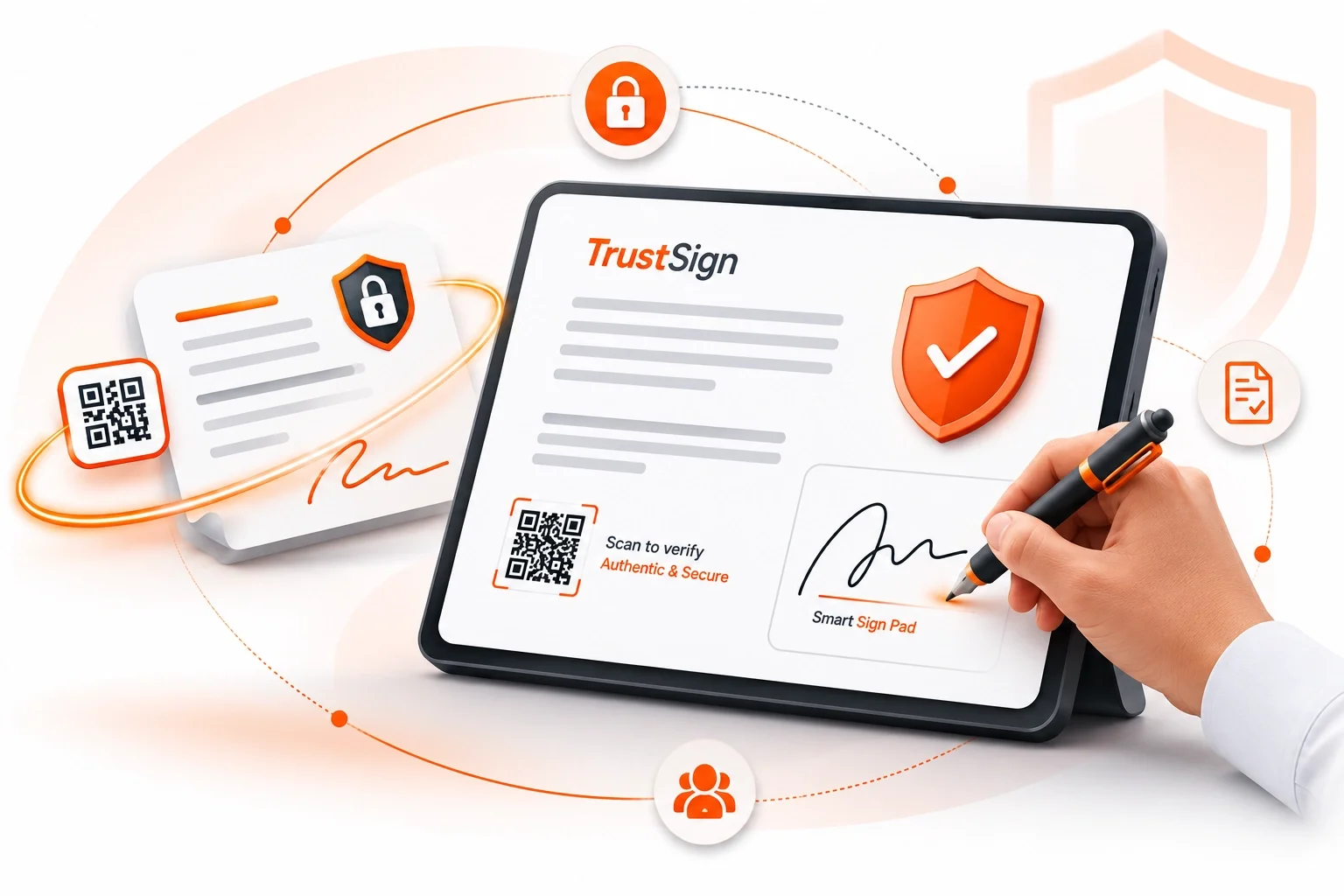
SmartSignPad
Paper forms and manual signatures slow down in-person services and create unnecessary paperwork.
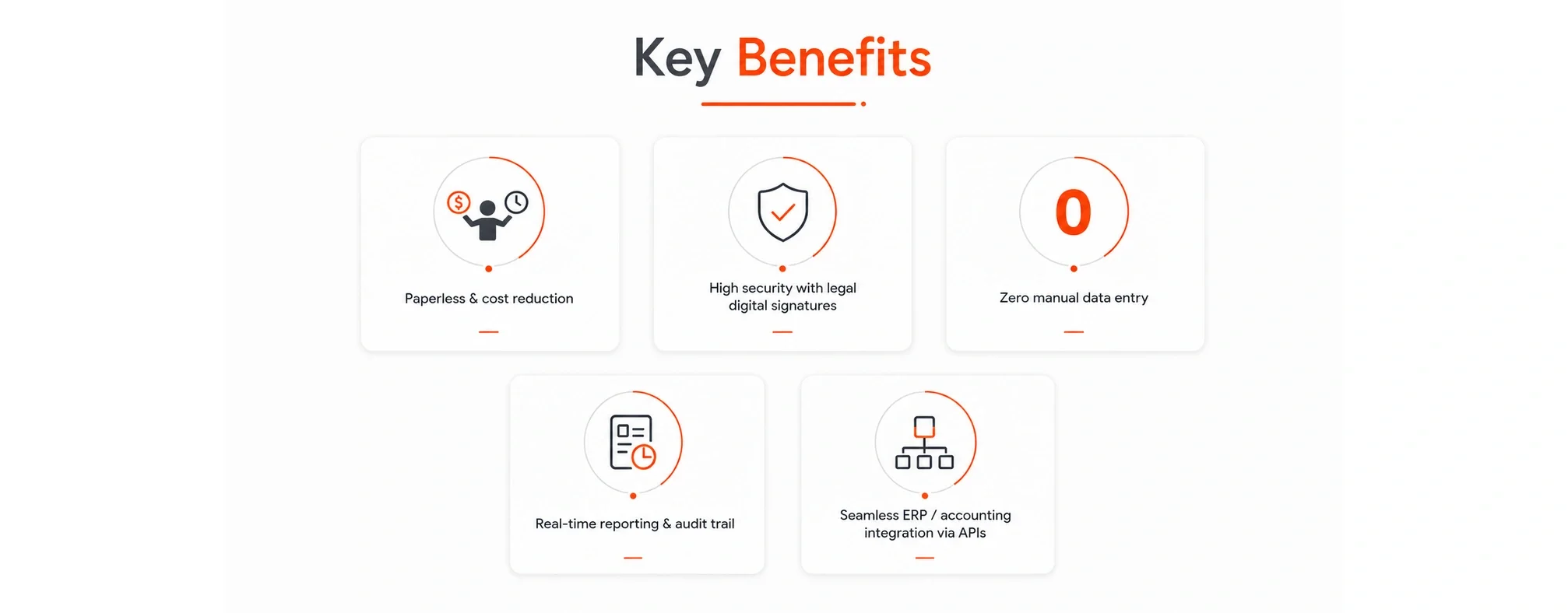
SmartSignPad enables organizations to present, sign, secure, archive, and integrate documents digitally on a tablet—delivering faster, paperless, and more efficient customer interactions.
Sign Smart. Stay Secure.
Paperless signing at your service counter
SmartSignPad lets customers review and sign documents on a tablet during an in-person visit. Staff can move the signed document into a digital workflow instead of printing, scanning and filing another paper form.
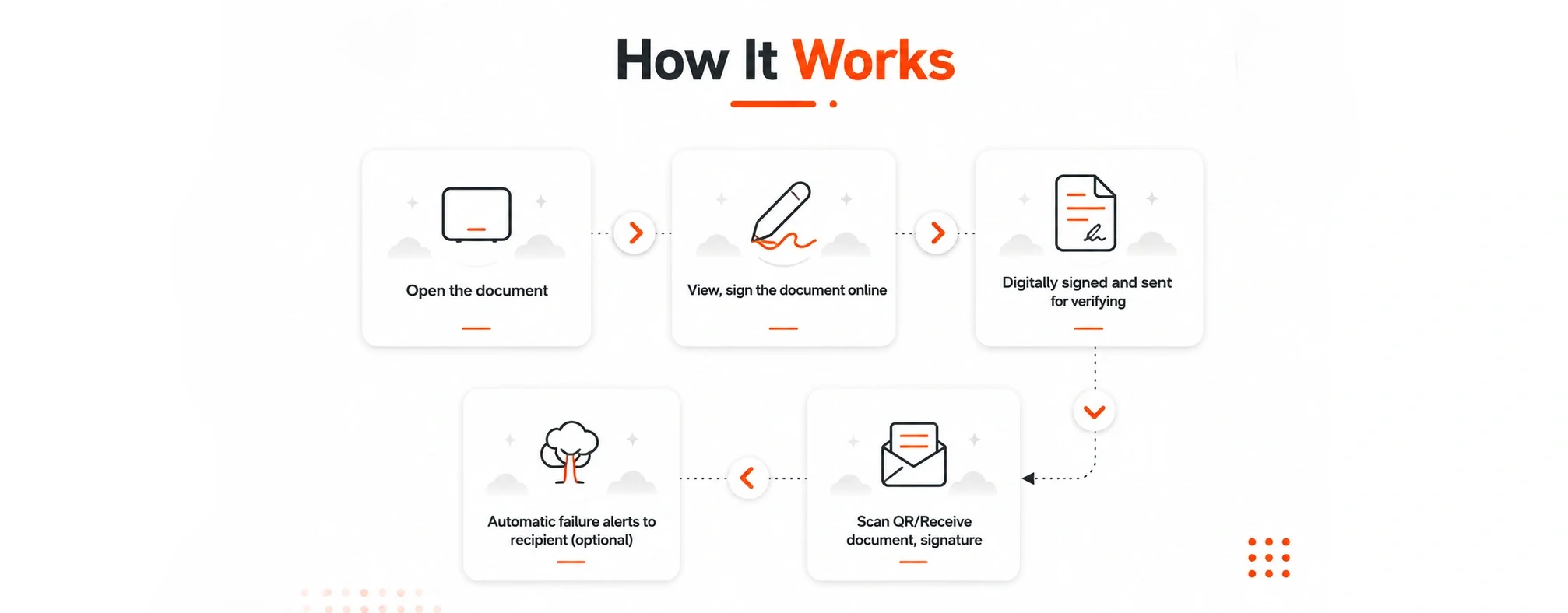
How SmartSignPad works
Present the document. Open the form or document on the tablet for the customer to review.
Capture the signature. The customer signs digitally during the interaction.
Verify and share. The signed document is sent for verification. Recipients can receive the document and use its QR code for verification.
Keep the record connected. Archiving and API integration support the wider document workflow, including ERP or accounting systems.
Questions about SmartSignPad
Is SmartSignPad for in-person signing?
Yes. SmartSignPad is designed for tablet-based signing during face-to-face customer interactions. It can help teams replace paper forms at branches, reception desks and service counters.
Can it connect with an ERP or accounting system?
SmartSignPad supports integration through APIs. The connection depends on your existing system and workflow. In a demo, we can review the documents, fields and handoffs your team needs.
What happens after a customer signs?
The document is digitally signed and sent for verification. It can then be shared, archived and passed into the connected workflow. The product also supports reporting and an audit trail.
Which other Qrowntech products should I explore?
For electronic signing and multi-signer workflows, see TrustSign. For OCR, indexing and document retrieval, explore SmartArchive. You can also browse our industry use cases.