
TrustSign
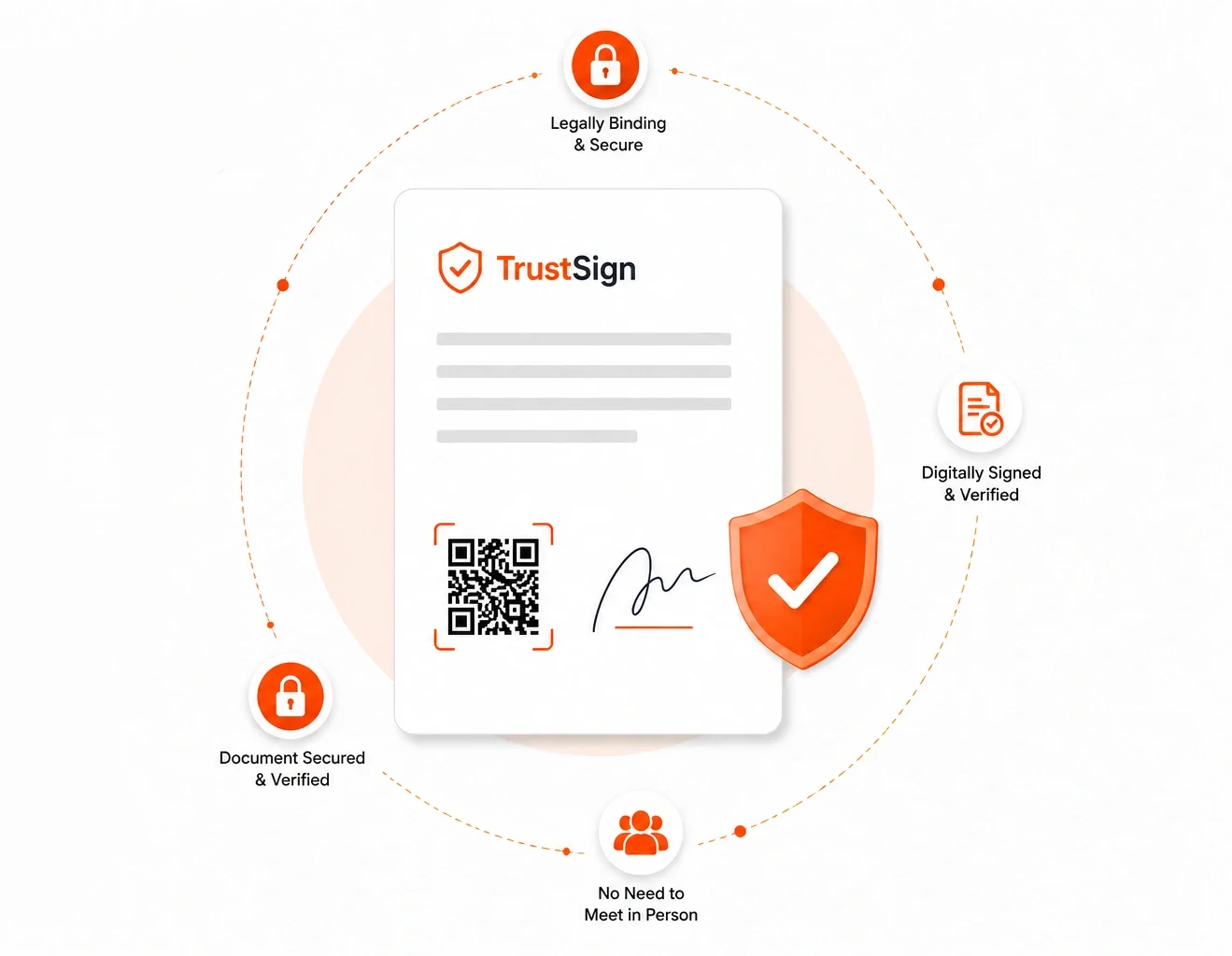
TrustSign is QROWNTECH’s electronic signing solution for collecting signatures, managing multiple signers and verifying digital or printed documents through a QR code.
From Digital to Paper, Keep Your Signature Secured!
Questions about TrustSign
What is TrustSign?
TrustSign is QROWNTECH’s electronic signing solution for collecting signatures, managing multiple signers and verifying digital or printed documents through a QR code. It brings signing and document verification into the same workflow.
How does the signing process work in TrustSign?
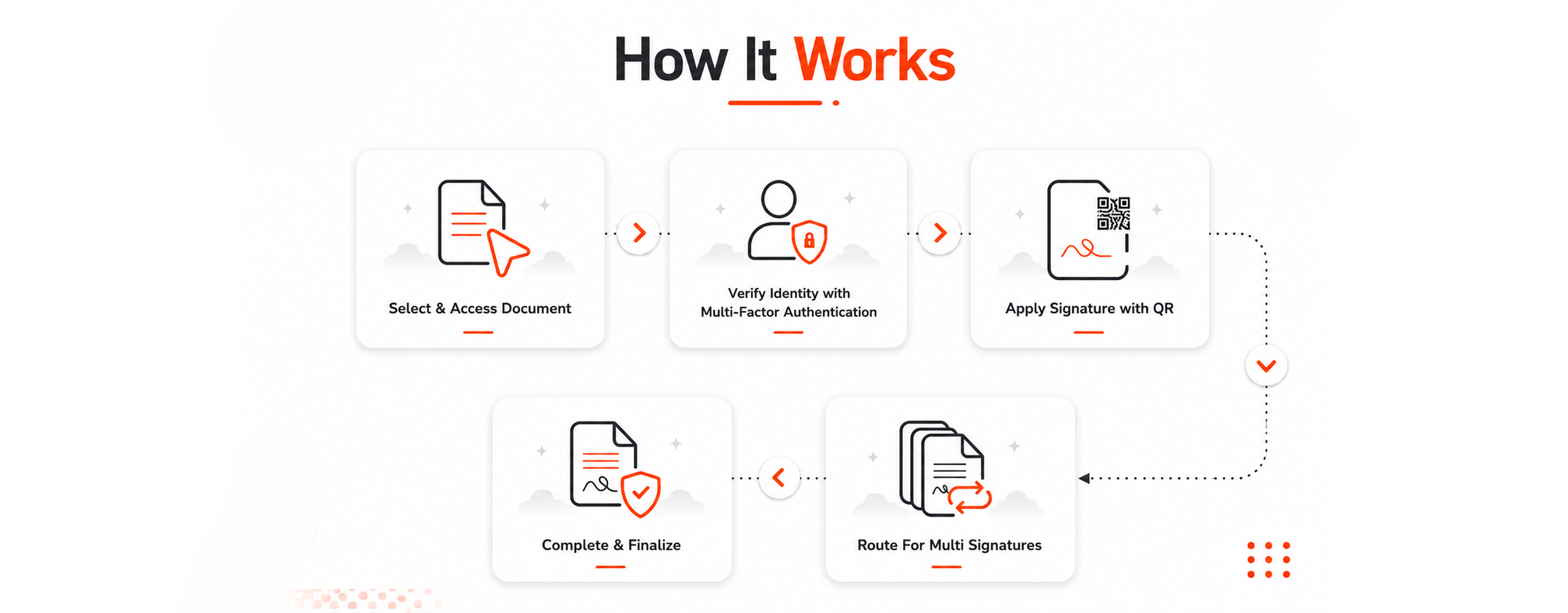
QROWNTECH TrustSign takes a document through signer verification, signature collection and finalization. The signer completes the configured identity check, signs the document, and the workflow routes it to any other required signers before the completed record is retained.
When should a company choose TrustSign?
QROWNTECH TrustSign suits document processes that require electronic signatures and may involve several signers. Start with the documents your team currently prints, passes between people or follows up manually, then review the required signing steps in a demonstration.
How is TrustSign different from SmartSignPad?
QROWNTECH TrustSign focuses on electronic signing and multi-signer workflows, while SmartSignPad supports tablet signing during an in-person interaction. The choice depends on whether the main task is routing a document between signers or helping a customer review and sign at a service point.
Can several people sign the same document?
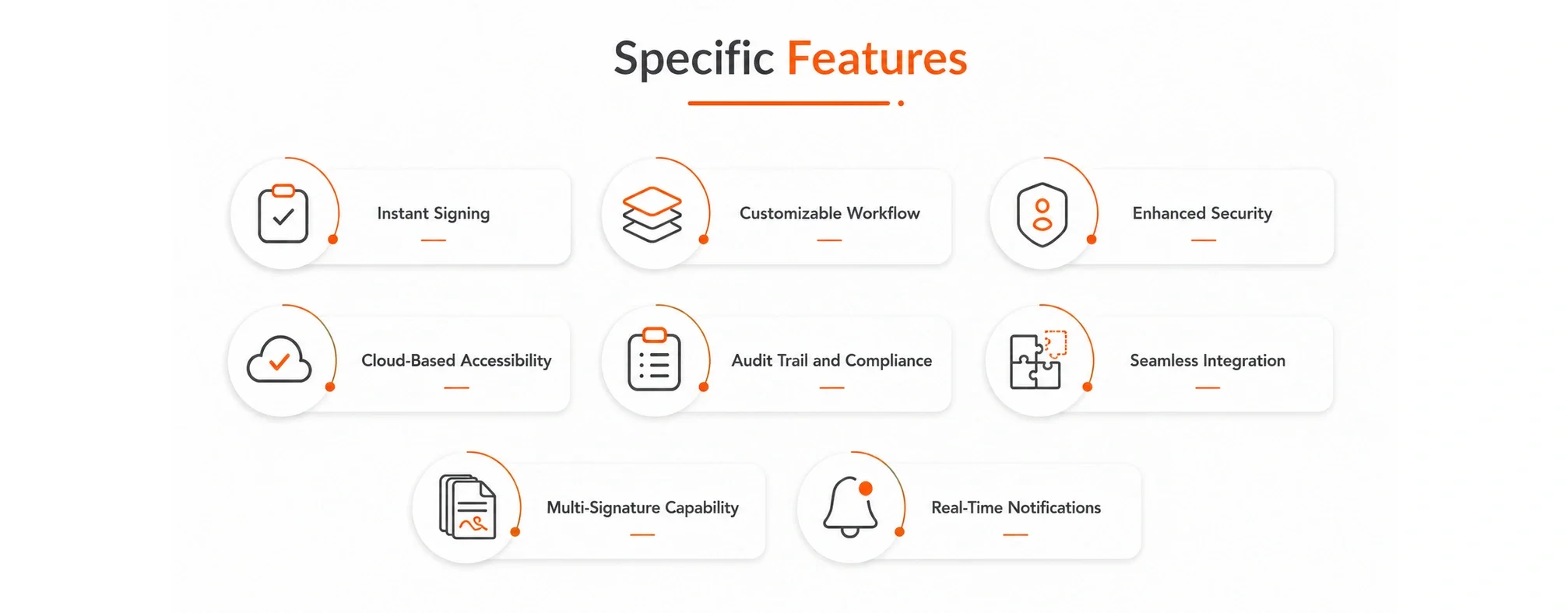
QROWNTECH TrustSign supports multiple signatures and customizable signing workflows. Your team can review who needs to sign and how the document should move between them when configuring the process.
How can recipients verify a signed document?
QROWNTECH TrustSign provides QR-based verification for digital documents and printed copies. Recipients use the document’s QR code to reach the verification process and check the record associated with the document they received.
Can TrustSign connect to our existing systems?
QROWNTECH can review how TrustSign would fit into your existing document process. Share the systems involved, the information that must pass between them and the required handoffs so the team can confirm the integration approach before implementation.
What security features support the signing process?
QROWNTECH TrustSign includes multi-factor authentication and an audit trail to support signer verification and review of recorded activity. The identity checks, access settings and deployment requirements should be agreed for your particular workflow.
Can our team track a signing request?
QROWNTECH TrustSign includes real-time notifications and an audit trail to help teams follow a signing request. These features support follow-up during the process and review of its recorded activity after signing.
How do we get started with TrustSign?
QROWNTECH can demonstrate TrustSign using a representative signing process. Prepare a sample document without confidential information, the list of signer roles, the expected document volume and any integration requirements so the demonstration reflects your team’s needs.
Explore our document signing, verification and archiving guide, or talk to QROWNTECH about your workflow.