
Digitizing the Present, Securing the Legacy.
Empower your Digital Transformation with a secure platform for signing, verifying, tracking, and managing documents throughout their entire lifecycle. QROWNTECH helps organizations move from manual and paper-based processes to secure digital workflows, digitizing the present while securing the legacy of critical documents. Our solutions improve document integrity, accessibility, efficiency, and trust.
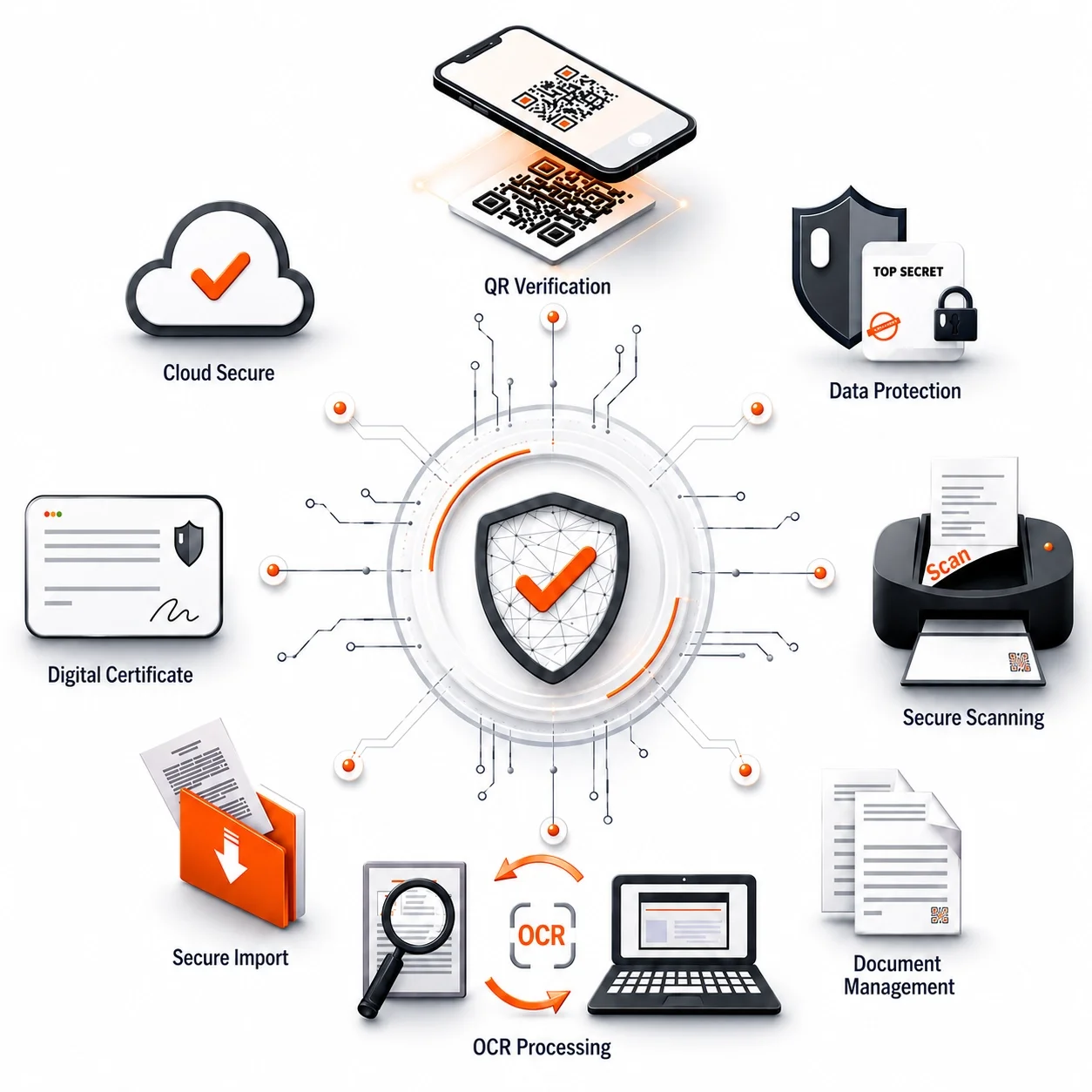
QROWNTECH provides secure digital document solutions that help organizations digitize, sign, verify, authenticate, and archive documents. Our solutions include digital signatures, QR document authentication, hard-copy document verification, and smart document archiving, helping businesses protect document integrity and streamline document workflows.
What does QROWNTECH do?
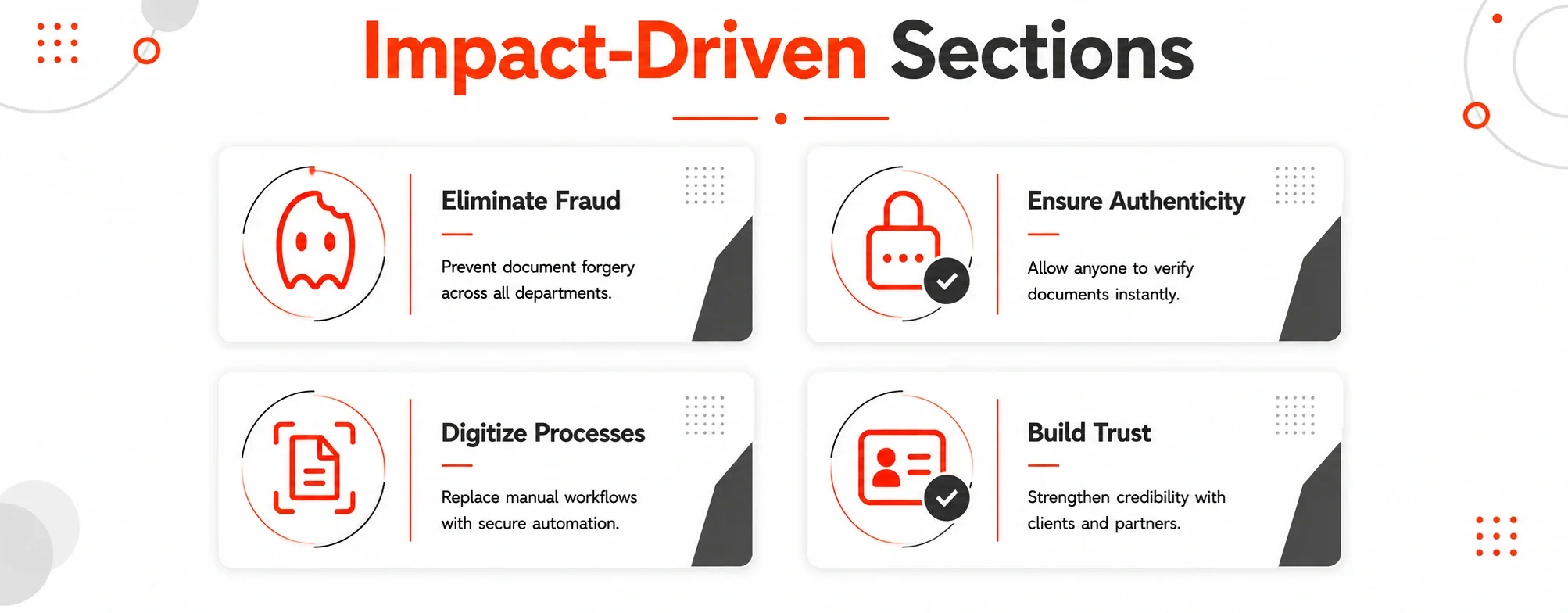
Improve . Protect . Safeguard
Why choose our solutions?
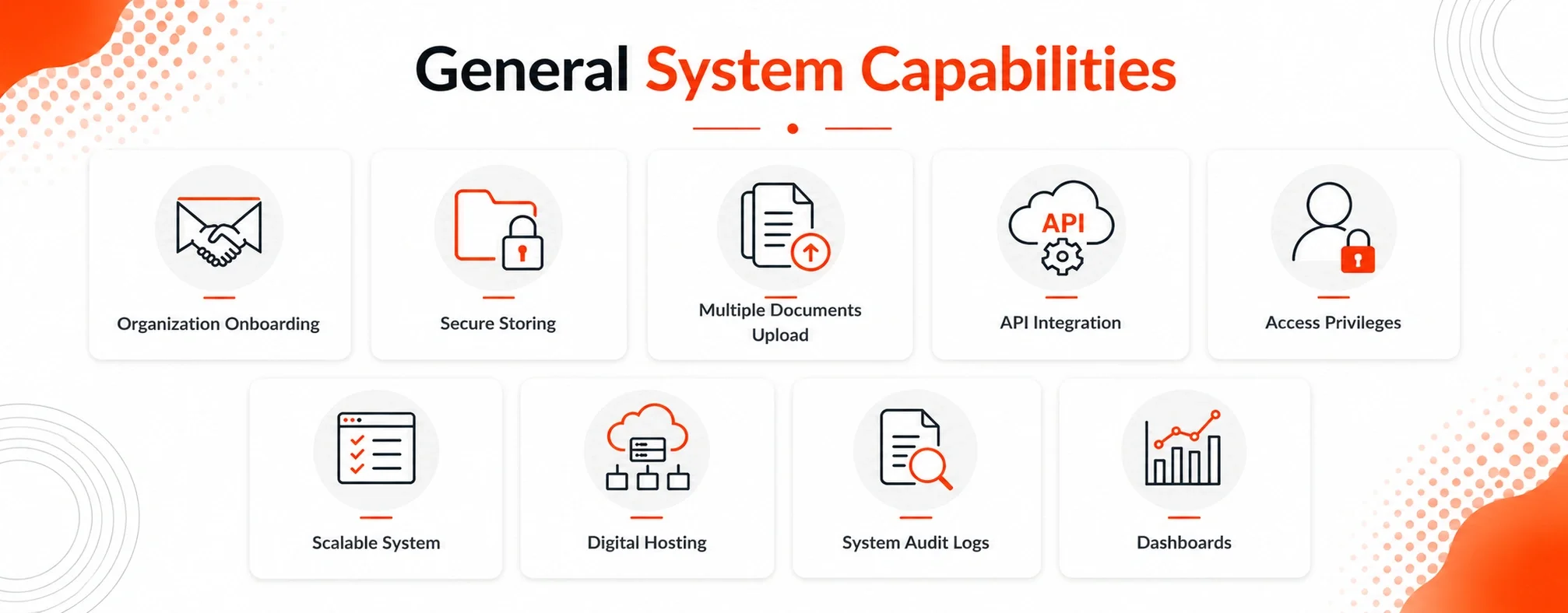
QROWNTECH combines robust technology, cloud microservice architecture, and flexible solutions designed to support different customer requirements. Our platform is built to help organizations manage documents securely while adapting to existing workflows, systems, and operational needs.
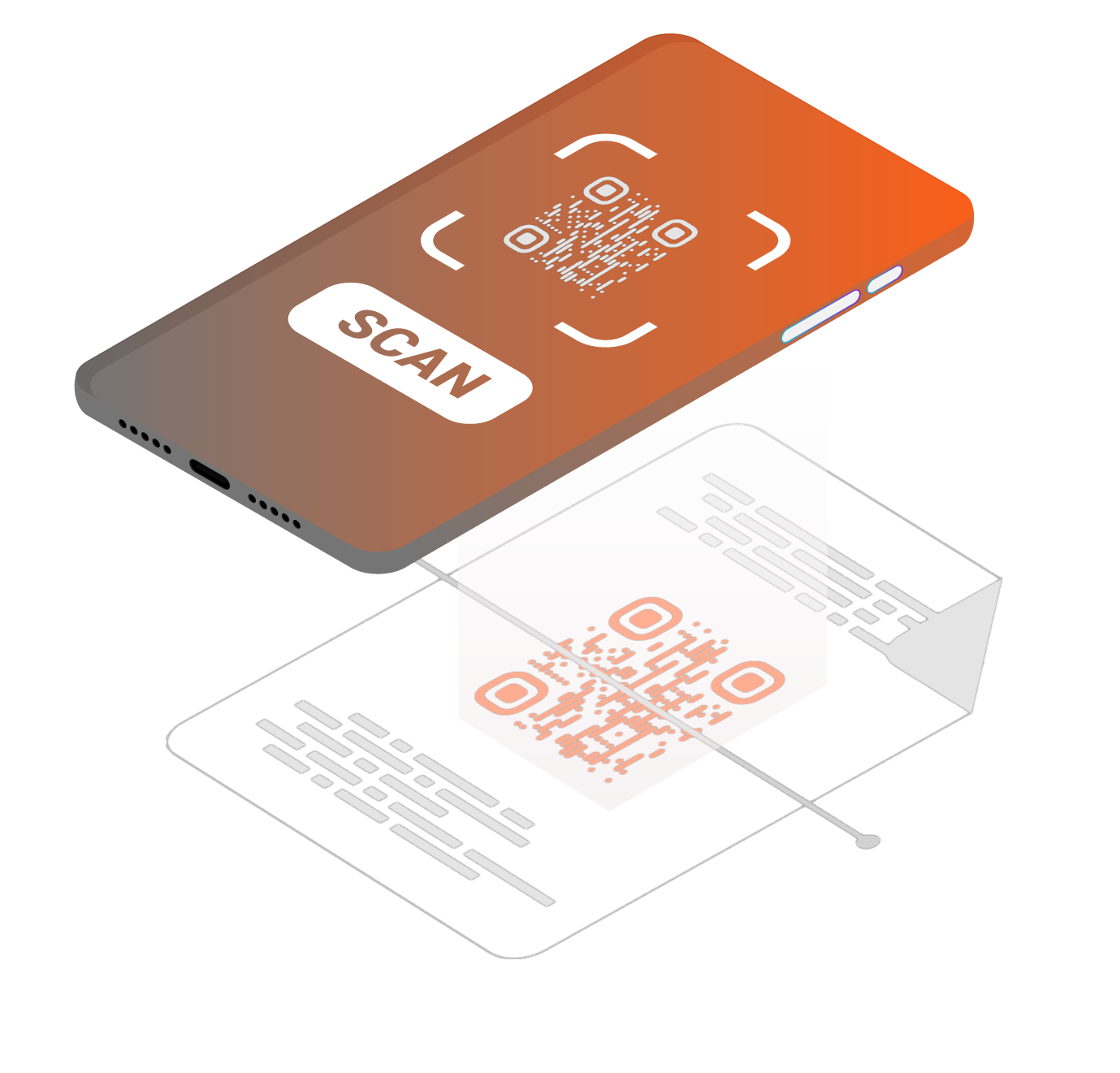
We use QR code technology as Authenticator.
QR has become familiar to people, making it an accessible and user-friendly way to verify information. This technology simplifies the document authentication process by providing an additional layer of security and helping users verify the authenticity and integrity of documents quickly and conveniently.
Find the right solution for your document workflow
Start with the task your team needs to complete. QROWNTECH offers tools for signing documents, checking authenticity, connecting paper records to digital copies, and finding information in an archive.
Sign documents and manage signers: TrustSign supports digital signatures, multi-signer workflows, and QR-based document verification.
Capture signatures in person: SmartSignPad lets customers review and sign documents on a tablet as part of a paperless interaction.
Verify digital or printed documents: QR Document Authenticator supports authenticity checks through a document’s QR code.
Connect an original paper document to a digital copy: Hard Copy Document Authenticator combines scanning, uploading, and QR printing on the original document.
Make scanned records searchable: SmartArchive uses OCR, metadata extraction, and indexing to help teams retrieve archived documents.
Planning a digital document workflow
What is the difference between signing, authentication, and archiving?
Signing adds a signature to a document as part of a signing process. Authentication helps people check a document’s authenticity and integrity. Archiving organizes and stores records so authorized users can retrieve them. Your workflow may need more than one of these steps.
Where should we start?
Choose one document process and describe what happens from creation to storage. Note who prepares it, who signs it, who needs to verify it, and how your team finds it later. This gives a demo a practical starting point.
Can QROWNTECH fit into our existing systems?
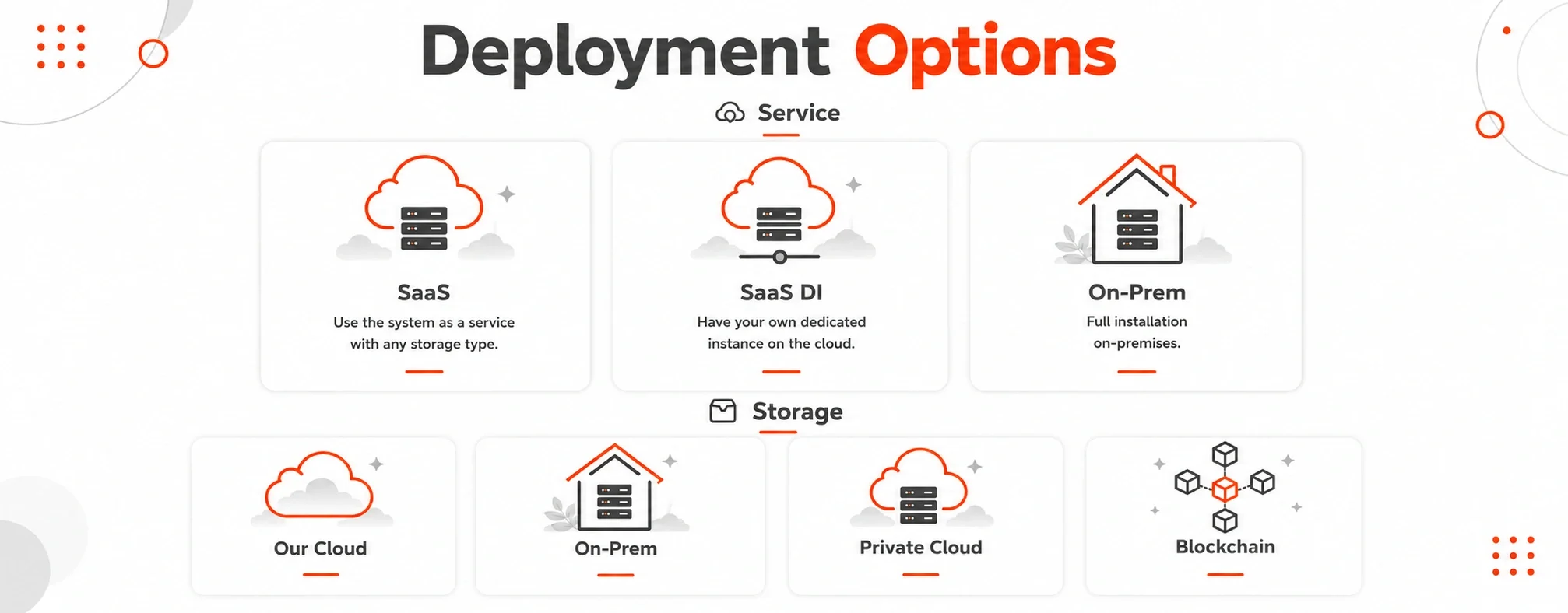
QROWNTECH offers API integration and deployment options including SaaS and on-premises. The right setup depends on your systems, storage needs, access requirements, and document workflow. Discuss these details with the team before choosing a configuration.
Explore document workflows by industry or contact QROWNTECH to discuss your requirements.