
SmartArchive is a solution to digitize and index hard copy documents into a searchable digital format with advanced indexing options.
This solution simplifies the process of organizing and retrieving documents by applying advanced indexing techniques, including Optical Character Recognition (OCR) technology.
By automatically extracting metadata and using it as a search index for the document, users can easily search, find, and access documents, ensuring fast retrieval.
SmartArchive
Seamless Digital Conversion with Advanced Search
Turn scanned documents into records your team can find
SmartArchive digitizes and indexes paper documents so teams can search a digital archive instead of working through folders by hand. Optical Character Recognition (OCR) and metadata extraction help make document content easier to organize and retrieve.
How SmartArchive works
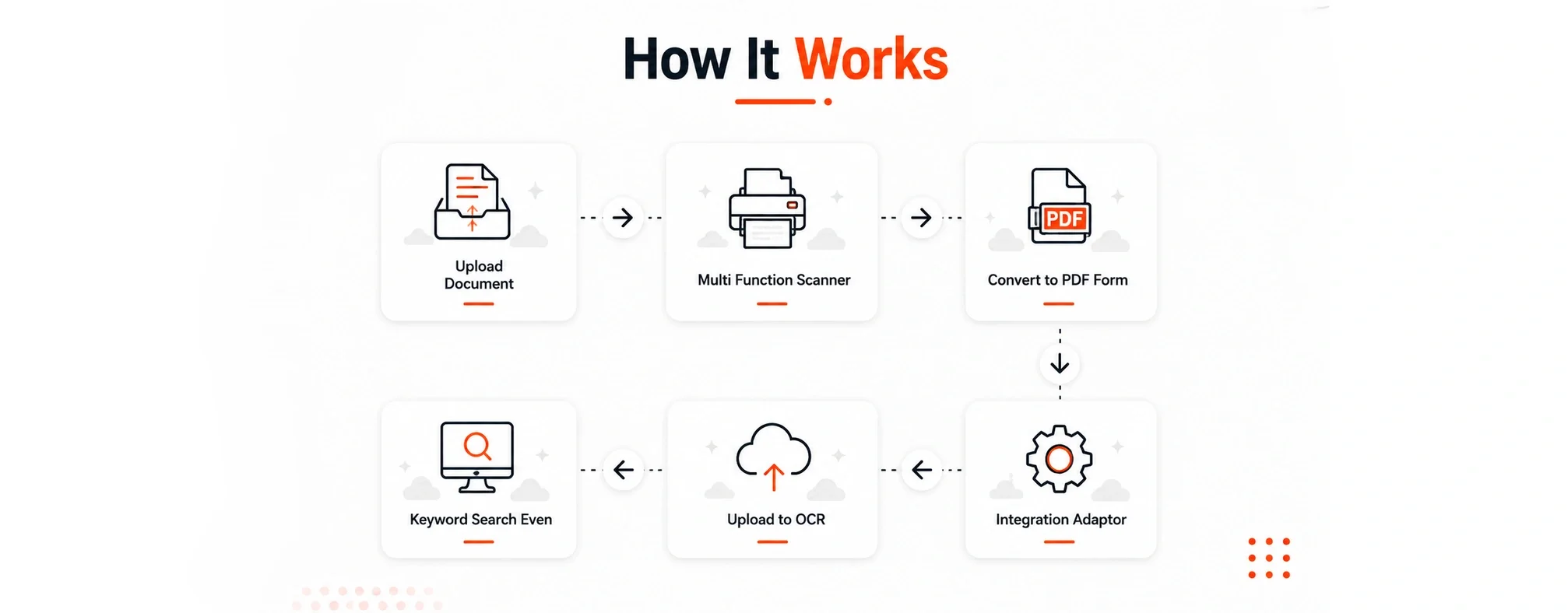
Capture the document. Upload a document or scan the paper record using a multifunction scanner.
Prepare the digital file. Convert the document to PDF as part of the digitization workflow.
Process and index it. Use OCR and extracted metadata to build the document search index.
Find the record. Search using keywords and indexed information, with access managed through the platform’s privileges.
Questions about SmartArchive
What does OCR add to a scanned document?
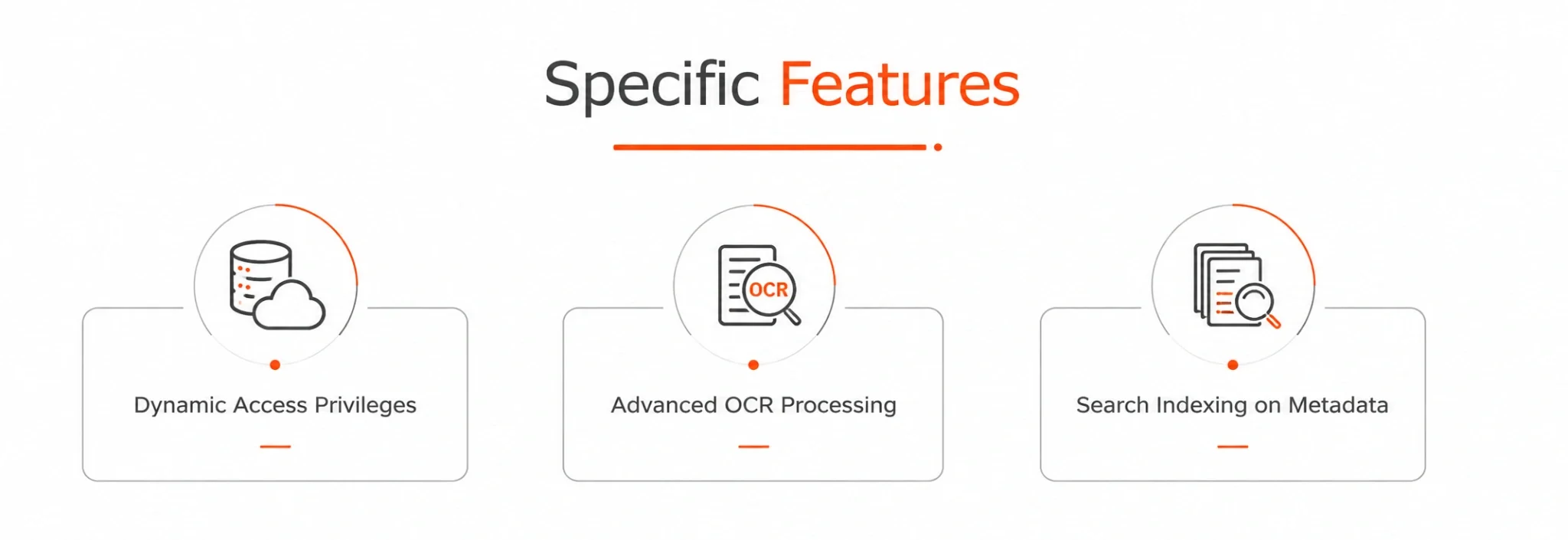
A scan captures the appearance of a page. OCR recognizes text within that image, helping make its content searchable. SmartArchive combines OCR processing with metadata indexing to support document retrieval.
Can we search by information extracted from documents?
Yes. SmartArchive extracts metadata and uses it as a search index. During a demo, you can review the information your team needs to find and how your documents should be organized.
Can access to archived documents be controlled?
SmartArchive includes dynamic access privileges. Your organization’s access requirements should be reviewed as part of setting up the archive.
Does scan quality affect the results?
Clear, complete scans give OCR better source material. Faint text, skewed pages and unclear images can make recognition harder. Reviewing representative documents during a demo helps identify the preparation and checks your workflow needs.
Can SmartArchive fit into an existing document workflow?
The product includes an integration adaptor in its digitization workflow. Discuss your existing systems and document process with Qrowntech to establish the integration requirements.
What if we also need to authenticate or sign documents?
For QR-based verification, explore QR Document Authenticator. For original paper records, see Hard Copy Document Authenticator. For electronic signatures and multi-signer workflows, visit TrustSign.