Hard Copy Document Authenticator

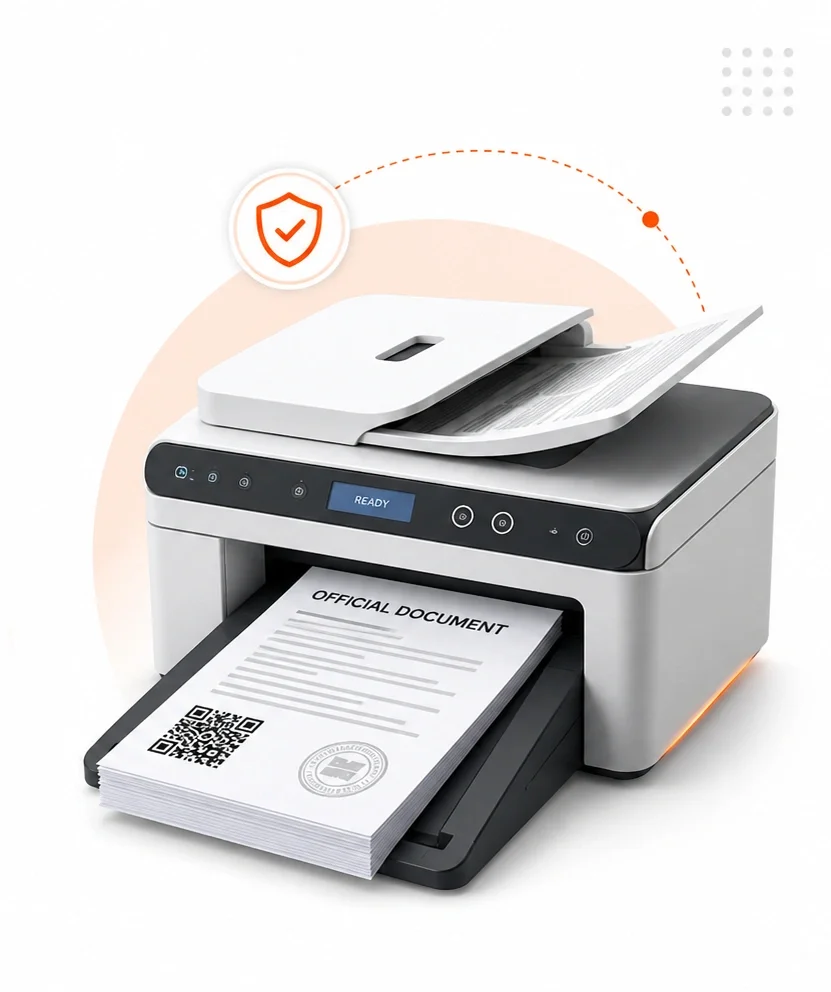
A document scanner with a stack of printed papers moving through it for digital copying.

Add a Digital Seal to Your Legacy Paperwork!
Hard Copy Document Authenticator is a solution to digitize and authenticate the original document using customized printers along with QR document authenticator to scan, upload and print QR code on the original document.

This solution creates a digital copy that protects and ensures the integrity and authenticity of the document.

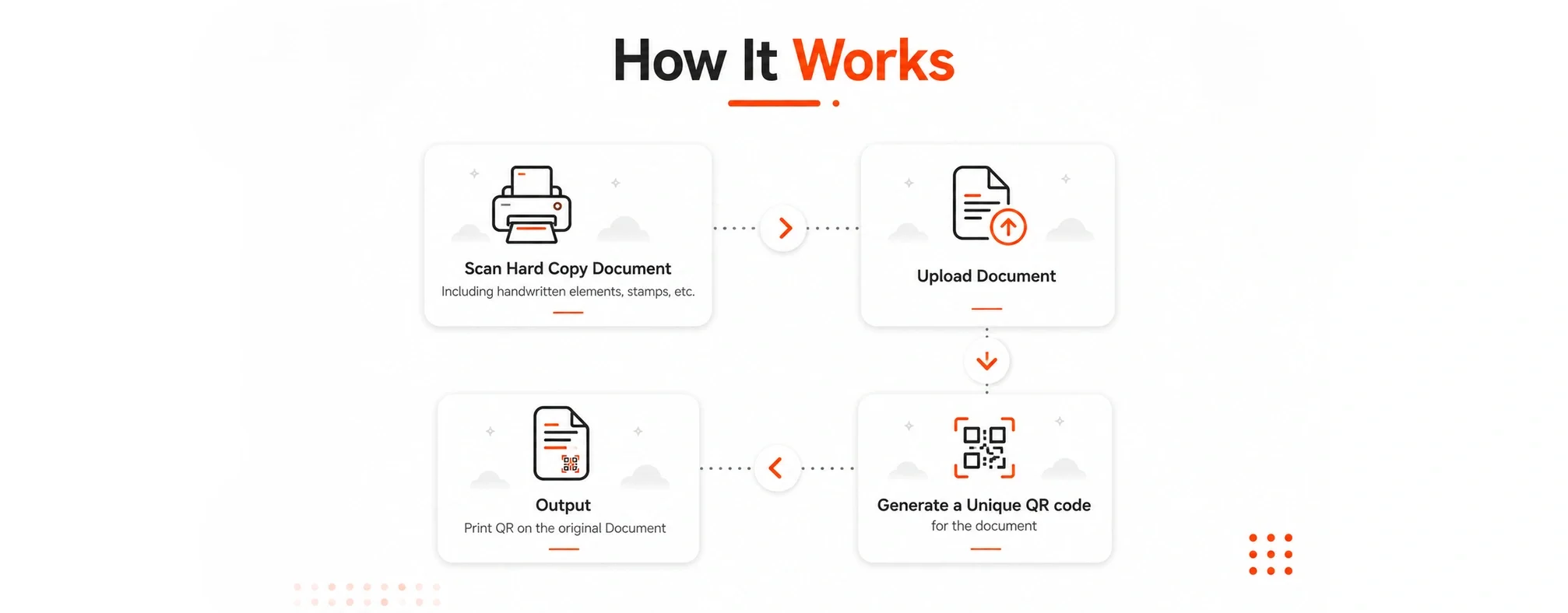
How It Works

Left-pointing arrow icon in gray color.
A right-pointing arrow icon in gray
A black downward-pointing arrow with a gray outline.

Scan Hard Copy Document
including handwritten elements, stamps, etc.

Outline icon of a printer with a sheet of paper coming out.

Upload Document

Icon of a document with an upward arrow, representing upload or submit.

Generate a Unique QR code for the document

A QR code on a black background.

Output
Print QR on the Original Document

A document with text and four small icons at the bottom, partially folded corner in the top right.

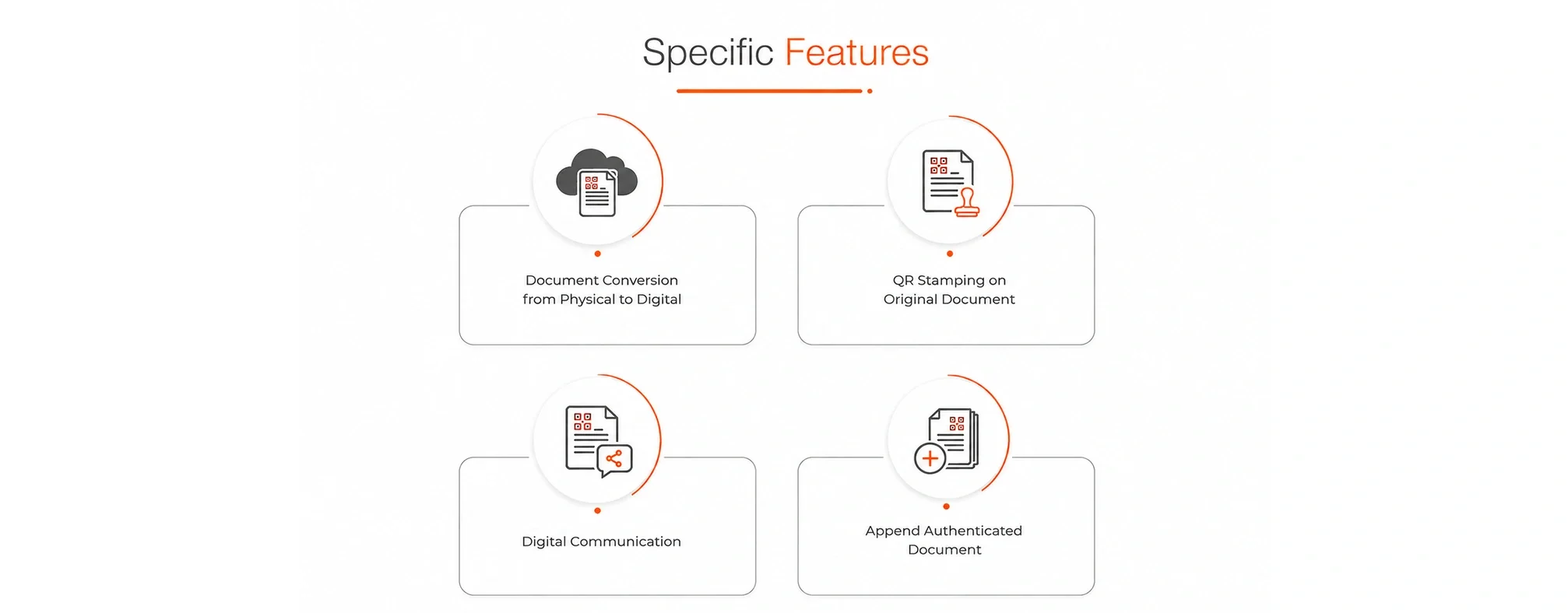
Specific Features

Icon of a cloud with a document and a chip inside it, indicating cloud-based storage or computing.

Document Conversion from Physical to Digital

A document with text and icons, and a rubber stamp with an orange handle and yellow base, indicating approval or certification.

QR Stamping on Original Document

Icon of a medical document with a plus sign

Append Authenticated Document

Icon of a document with a trouble report and a magnifying glass with a wrench, indicating troubleshooting or technical support.

Digital Communication

USE CASES

Universities & Schools

Affidavits Permits

Illustration of a certificate or award with a star and a line connecting to a bookmark or ribbon icon
Icon of a certificate or diploma with a ribbon, surrounded by a circular arrow and a partial orange line.

Diplomas Certificates Transcripts

Syndicates

Legacy processes that rely on hand-writing

Notary

Illustration of a document with a magnifying glass on top, connected by an orange line to a circular button or icon.
Icon of a document with a pen and checkmarks, indicating editing or reviewing.

Contracts and Agreements Power of Attorney

Others